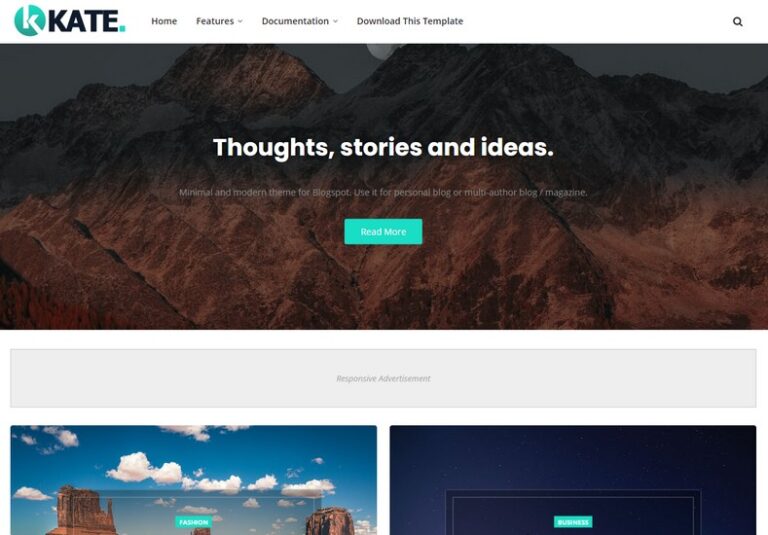
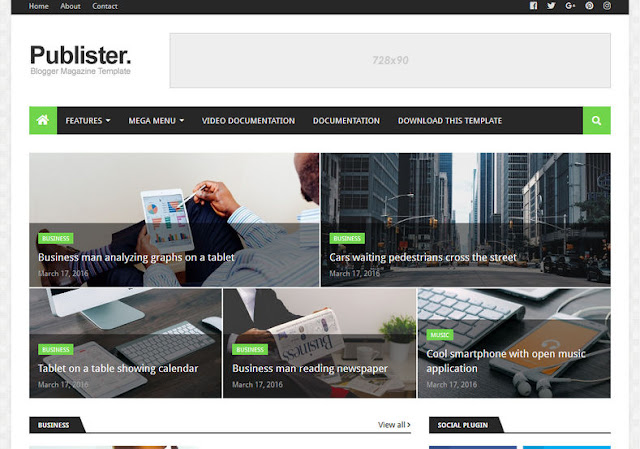
The Stacked Blogger Template is a visually balanced and minimal Blogger theme that emphasizes readability and content hierarchy. Its structured layout allows posts to be displayed in a clean, organized manner, making it ideal for blogs that publish regular articles or long-form content. With its simple customization options and responsive design, Stacked works well for both beginners and experienced Blogger users.
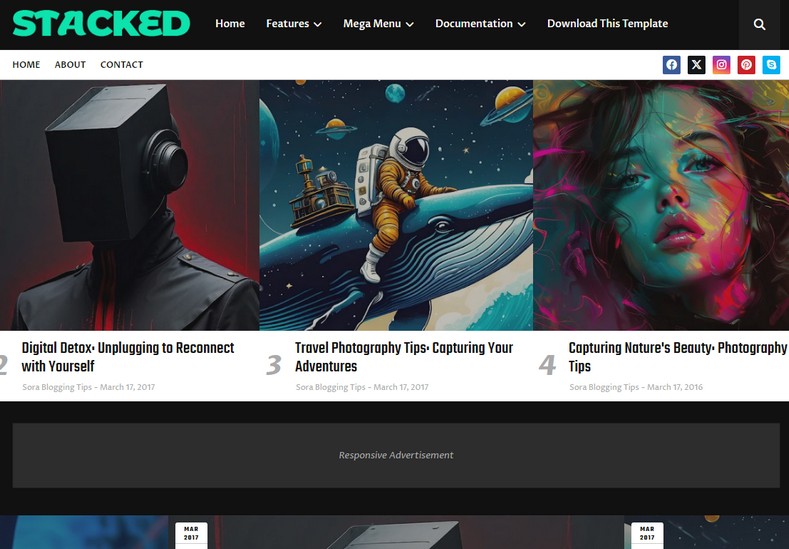
The Stacked Blogger Template is a visually balanced and minimal Blogger theme that emphasizes readability and content hierarchy. Its structured layout allows posts to be displayed in a clean, organized manner, making it ideal for blogs that publish regular articles or long-form content.
With its simple customization options and responsive design, Stacked works well for both beginners and experienced Blogger users.
🔑 Key Features
Stacked comes with essential features designed to improve usability, performance, and overall blog appearance.
📱 Fully Responsive Design: The Stacked template automatically adapts to different screen sizes, ensuring a smooth browsing experience on desktops, tablets, and mobile devices.
🚀 SEO-Friendly Structure: Built with clean and well-structured HTML markup, Stacked helps search engines easily crawl and understand your content, supporting better rankings.
⚡ Fast Loading Performance: The lightweight design and optimized code help reduce page load time, improving user experience and SEO performance.
🎨 Easy Customization: Stacked allows you to customize colors, fonts, and layout sections using Blogger’s built-in theme customizer, without requiring any coding knowledge.
🧩 Built-In Widgets: The template includes useful widgets such as:
- Recent posts
- Popular posts
- Search box
- Social media icons
These widgets help improve navigation and user engagement.
📝 Clean Typography and Content Focus: Stacked uses clear fonts and balanced spacing to enhance readability, making it ideal for blogs with long articles or text-heavy content.
🌟 Why Choose Stacked Blogger Template?
Stacked offers several benefits that make it a practical choice for many bloggers.
✨ Clean and Professional Layout: The minimal and structured design gives your blog a polished look that builds trust with visitors.
🧭 Easy Navigation: Well-organized menus and layout sections make it easy for users to find content quickly.
🔄 Suitable for Multiple Niches: Stacked works well for:
- Personal blogs
- Editorial and magazine websites
- Technology blogs
- Educational and informational blogs
- Lifestyle content
📈 SEO and Performance Advantages
The Stacked Blogger Template supports SEO and performance through:
- Semantic HTML structure
- Mobile-responsive layout
- Fast page loading speed
- Proper heading hierarchy
These features help improve search engine visibility while ensuring a smooth experience for readers.
🛠️ Installation Guide
Installing Stacked is simple and beginner-friendly:
- Download the Stacked XML File: Save the template file to your computer.
- Open Blogger Dashboard: Go to Theme → Restore.
- Upload the Template File: Upload the Stacked XML file and apply it.
- Customize Layout and Widgets: Adjust colors, fonts, and widgets from the Layout and Theme Customizer options.
Your blog will be ready with a clean and professional design in just a few minutes.
❓ Frequently Asked Questions (FAQs)
Is Stacked Blogger Template mobile-friendly?
Yes, Stacked is fully responsive and works smoothly on all devices.
Can I customize Stacked without coding?
Yes, the template offers easy customization through Blogger’s built-in settings.
Is Stacked suitable for beginners?
Absolutely. Its simple layout and easy setup make it ideal for new bloggers.
Does Stacked support SEO best practices?
Yes, the template is designed with SEO-friendly structure and optimized performance.
Can Stacked be used for magazine or editorial blogs?
Yes, its structured layout makes it suitable for content-rich and editorial-style blogs.