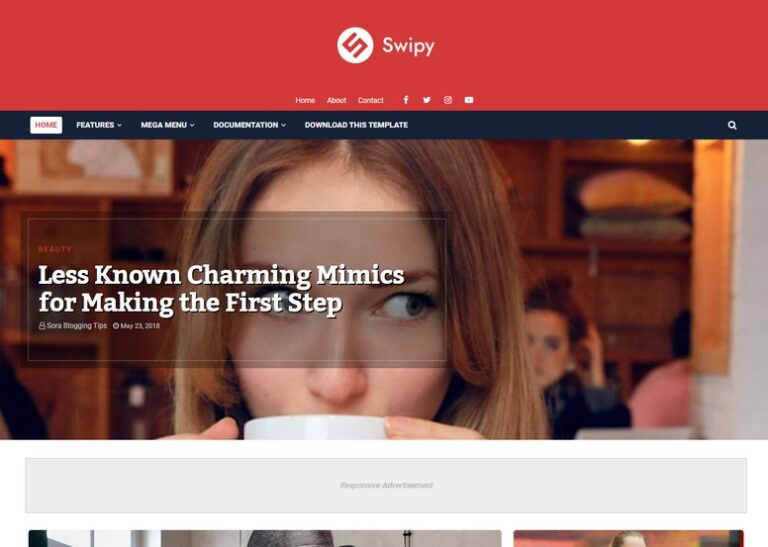
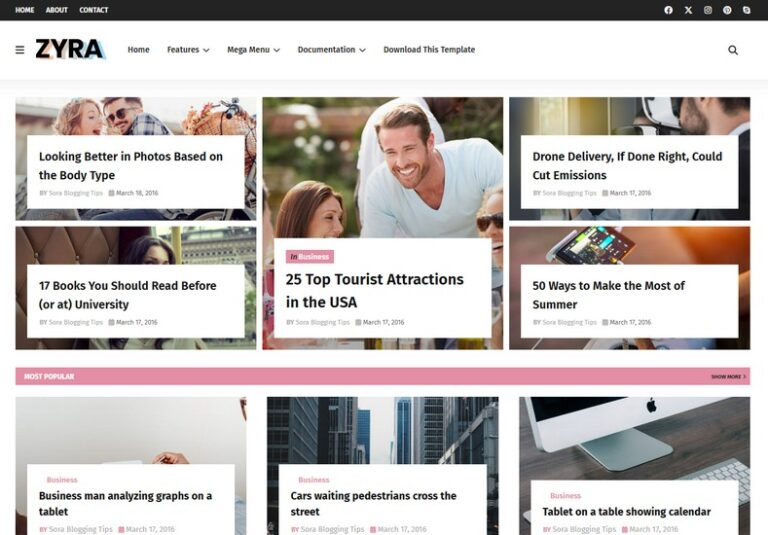
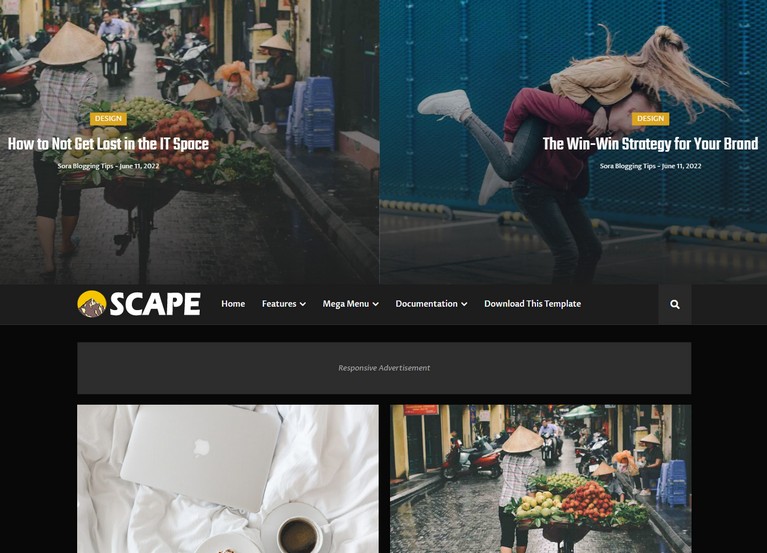
The Kailasa Blogger Template is a modern and elegant Blogger theme suitable for personal blogs, magazines, news sites, lifestyle blogs, and more. It combines visual appeal with functional design, making it an excellent choice for bloggers who want both style and performance.
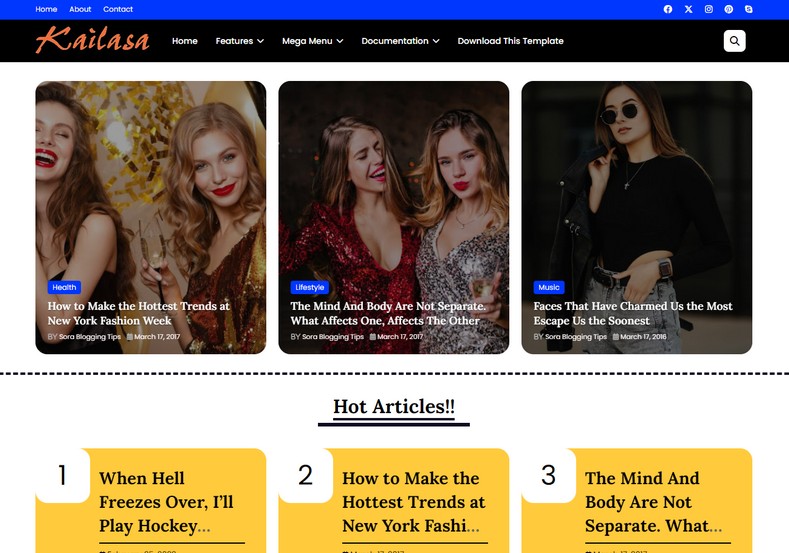
🔑 Key Features
The Kailasa theme comes packed with features that make it stand out among free and premium Blogger templates:
📱 Fully Responsive Design: Your blog will automatically adapt to all screen sizes — from desktop to mobile — ensuring a seamless user experience for every visitor.
🚀 SEO Optimization: Built with clean, structured code, Kailasa helps improve search engine rankings thanks to optimized HTML, fast loading speeds, and SEO-friendly tags.
🎨 Customizable Layout: Choose your colors, fonts, and layout options to match your brand identity without needing any coding knowledge.
🧰 Built-In Widgets: Kailasa includes social media buttons, recent post sections, search bars, and other widgets to make content navigation intuitive.
📝 Multiple Post Formats: Whether you’re publishing articles, galleries, videos, or quotes, Kailasa supports diverse content types to keep your blog fresh and engaging.
💬 Comment System Integration: Easily integrate commenters like Disqus or Blogger’s native comment system to encourage reader interaction and build community.
📈 Benefits
Here’s why bloggers love the Kailasa template:
✨ Professional Aesthetic: A clean and modern design helps your blog look polished and trustworthy — essential for visitor retention and brand credibility.
🧠 User-Friendly Interface: The intuitive layout makes it easy for readers to find what they want, which improves time on page and reduces bounce rates.
🤝 Community Support: Since Kailasa is popular among Blogger users, there’s an active community you can turn to for help, tips, and ideas.
🚀 How Kailasa Improves SEO and Performance
While beauty matters, search engines prioritize performance and structure. Kailasa enhances your blog’s SEO in several ways:
- Uses semantic HTML for better crawling.
- Loads quickly thanks to efficient code.
- Responsive layout boosts mobile-first ranking signals.
By combining technical strengths with readable design, it helps your blog perform well in search results and keeps readers satisfied.
🛠️ Installation Guide
Here’s how you can install Kailasa on your Blogger site:
- Download the Template XML File: Save the Kailasa XML file to your computer.
- Open Blogger Dashboard: Go to Theme → Restore in your Blogger settings.
- Upload the XML File: Upload the downloaded Kailasa file.
- Customize Layout & Widgets: Adjust colors, fonts, and widgets in the layout panel.
This simple installation process makes it beginner-friendly and fast to launch your blog.
❓ FAQs About Kailasa Blogger Template
Q1. Is Kailasa fully responsive?
✔️ Yes – it looks great across desktops, tablets, and phones.
Q2. Can I customize the colors and fonts?
✔️ Absolutely – customization options are built into the template.
Q3. Is Kailasa SEO-friendly?
✔️ Yes, it’s built with SEO best practices in mind.
Q4. Does it support page widgets like social buttons?
✔️ Yes, it has social, recent post, and search widgets.
Q5. Is the template suitable for beginners?
✔️ Yes, even users with no coding skills can use it.